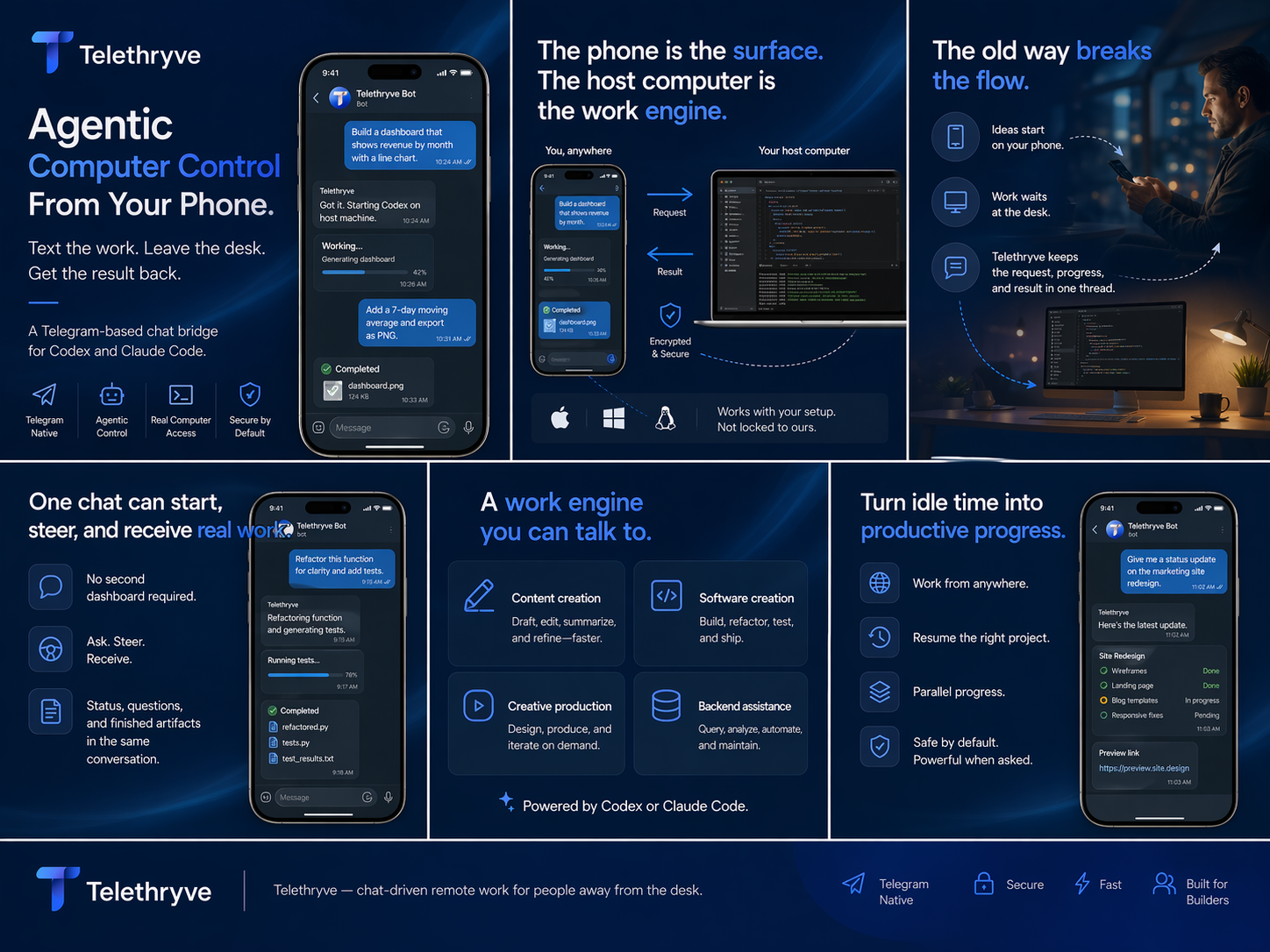
Remote command
Send a work request without opening a tiny streamed desktop.
Remote AI Workstation
Telethryve gives remote AI workstation searches a practical answer: send the instruction from a phone while the real computer keeps the files, tools, projects, models, and outputs.
Designed for real workstation work
Remote desktop is useful when you need to see the screen. Telethryve is for moments when the work can be expressed as an instruction and the computer can keep moving while you are away.
Why Telethryve
Telethryve connects the mobile command to the workstation context, tools, and intelligence selected for the task.
Send a work request without opening a tiny streamed desktop.
Keep the real project, files, tools, browser sessions, and credentials on the workstation.
Use the phone conversation to check status, answer questions, and receive results.
Use Case
Remote desktop is useful when you need to see the screen. Telethryve is for moments when the work can be expressed as an instruction and the computer can keep moving while you are away.
Founders, developers, students, creators, and operators who want to activate meaningful computer work without becoming trapped in a miniature desktop interface.
FAQ
No. Telethryve is a conversational command layer for remote AI workstation work, while remote desktop remains useful for direct visual control.
Telethryve keeps the workstation as the work environment, so local files, tools, code, browser state, and configured models can stay part of the task.
Related Workflows
Telethryve turns a phone into the command surface for a real local AI workstation, so files, tools, browsers, code, local models, compute, and results stay connected to your own machine.
Telethryve connects iOS, Android, or Telegram to local LLM and agent workflows on your workstation, where your model, files, tools, compute, and project context can work together.
Telethryve can support optional air-gapped workstation workflows when the customer's own setup keeps local LLM reasoning, memory, retrieval, files, and tool execution without cloud dependence.
Telethryve Desktop is a $19.99 one-time purchase for Codex-style work on the workstation where repositories, files, tools, and project context already live. Optional mobile access is described on the Apps page.
Telethryve connects agentic AI workflows to the host workstation so tasks can use files, tools, browsers, code, local memory, and real project context.
Telethryve helps people who start with ChatGPT-style mobile prompts turn ideas into workstation tasks that can use local files, tools, agents, and project context.
Telethryve Desktop is a $19.99 one-time purchase for Codex-style work where the workstation keeps the repository, terminal, tools, and tests. Optional iPhone access depends on current availability and terms.
Telethryve positions a Mac mini, desktop, or always-on workstation as the place where mobile AI requests can use local files, local models, tools, and agent workflows.
Telethryve Desktop supports Codex-style project work on the workstation. Optional mobile access can help a phone request become agentic coding, review, docs, tests, or release chores; see /apps/ for availability and terms.
Telethryve helps founders turn phone moments into real workstation tasks for product, code, content, research, launch, support, and operating workflows.
Download Telethryve, watch the product story, and see how Desktop connects configured AI to a user's own computer, agents, coding apps, and local AI workflows. Mobile access is optional.
Next Step
For launch, every high-intent page gives a more precise destination than the homepage alone.