Always-on host
Use a Mac mini or desktop as the stable place where work runs.
Mac Mini AI Server
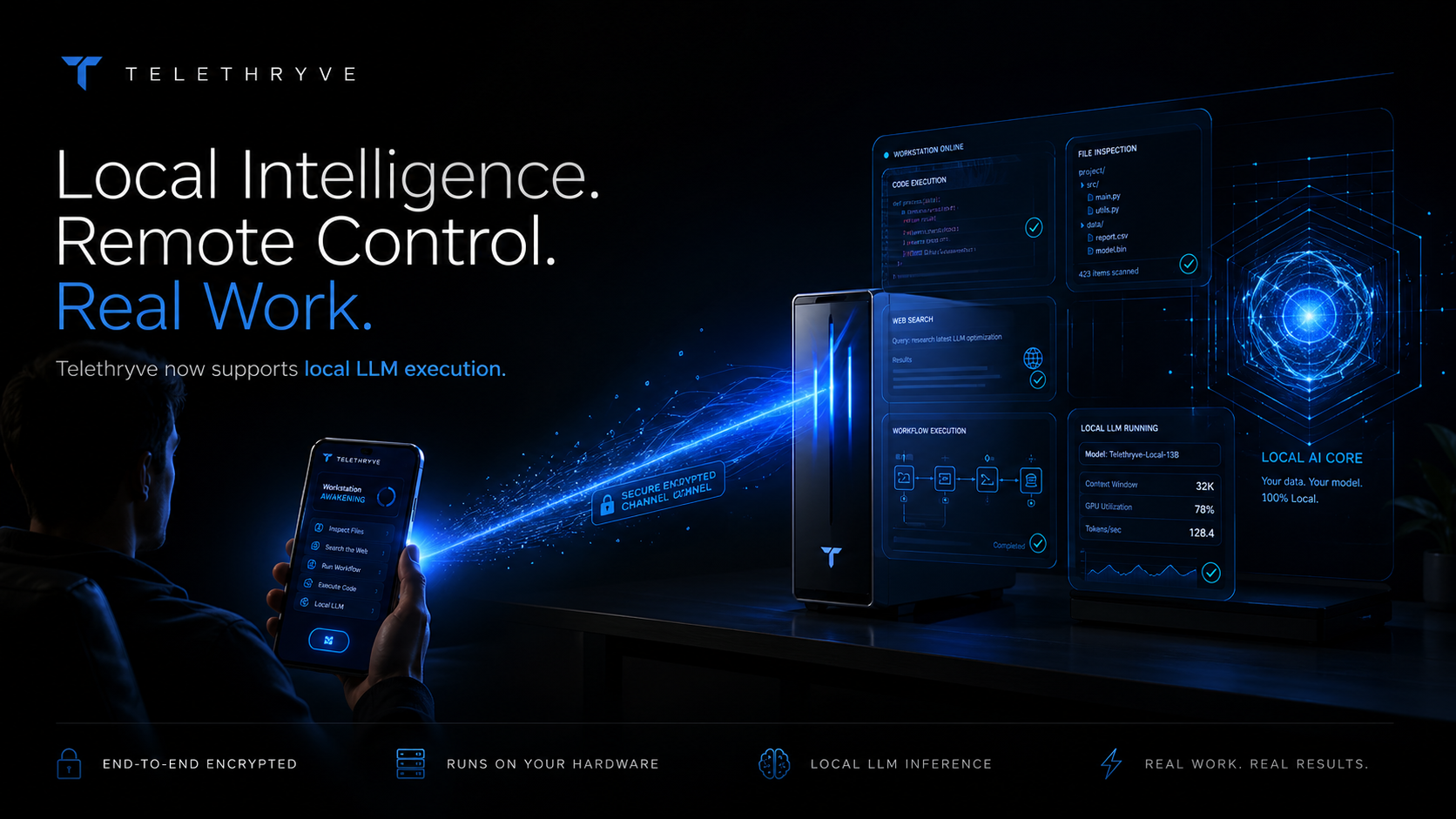
Telethryve positions a Mac mini, desktop, or always-on workstation as the place where mobile AI requests can use local files, local models, tools, and agent workflows.
Designed for real workstation work
A small dedicated machine can be more useful when it is easy to command from the phone. Telethryve turns that setup into a conversational AI workstation instead of a silent box on the network.
Why Telethryve
Telethryve connects the mobile command to the workstation context, tools, and intelligence selected for the task.
Use a Mac mini or desktop as the stable place where work runs.
Pair local LLM, memory, retrieval, and tool execution with mobile command.
Start the request from the phone while the host machine does the heavy lifting.
Use Case
A small dedicated machine can be more useful when it is easy to command from the phone. Telethryve turns that setup into a conversational AI workstation instead of a silent box on the network.
Local LLM experiments, private document workflows, code tasks, home-office automation, creator pipelines, and founder operating systems.
FAQ
No. A Mac mini is one useful host shape, but Telethryve is about a workstation that can keep files, tools, models, and workflows available.
Yes. Telethryve can bridge to local LLM, hybrid, and air-gapped workstation workflows when the customer configures those paths.
Related Workflows
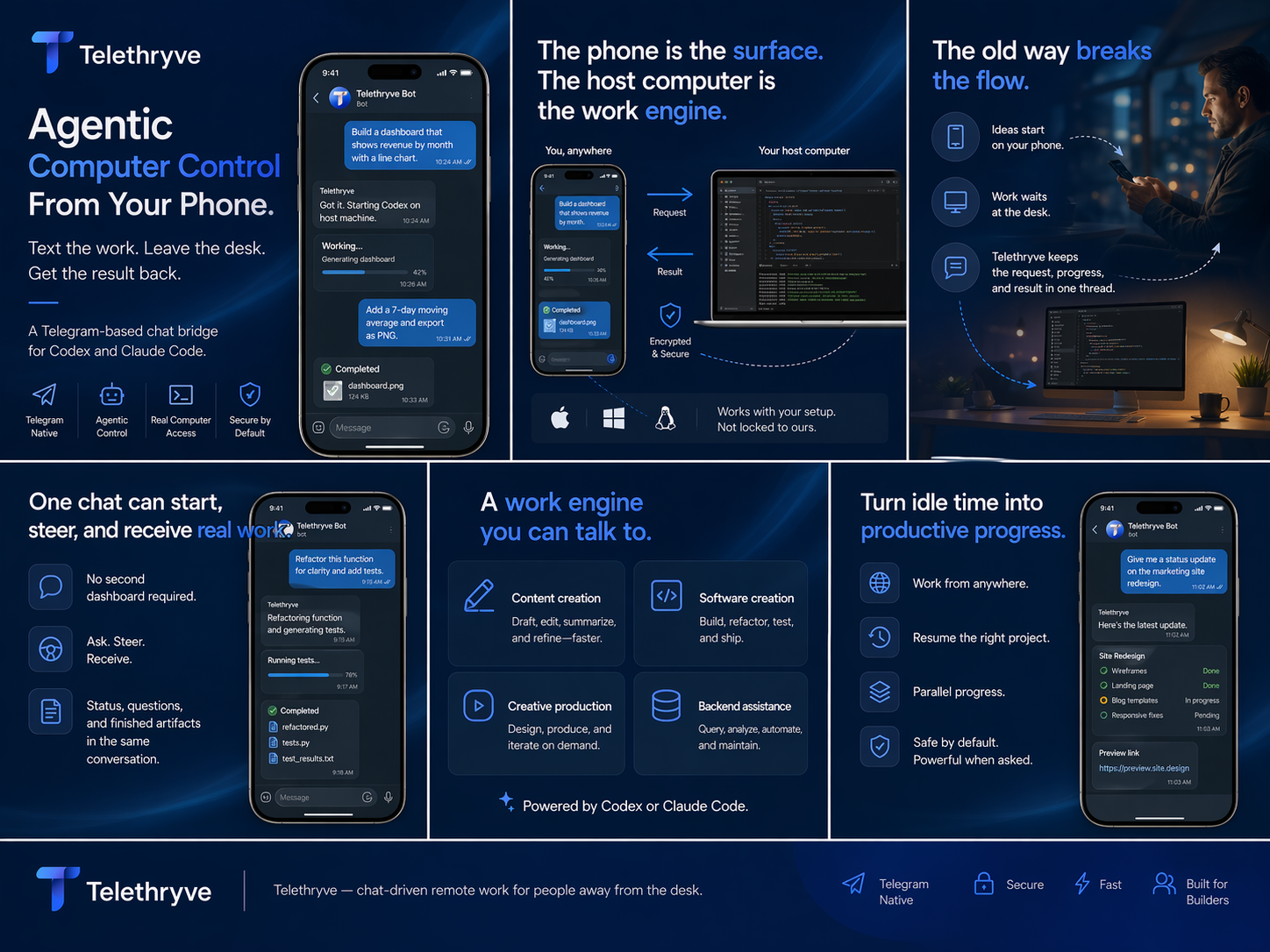
Telethryve turns a phone into the command surface for a real local AI workstation, so files, tools, browsers, code, local models, compute, and results stay connected to your own machine.
Telethryve connects iOS, Android, or Telegram to local LLM and agent workflows on your workstation, where your model, files, tools, compute, and project context can work together.
Telethryve can support optional air-gapped workstation workflows when the customer's own setup keeps local LLM reasoning, memory, retrieval, files, and tool execution without cloud dependence.
Telethryve Desktop is a $19.99 one-time purchase for Codex-style work on the workstation where repositories, files, tools, and project context already live. Optional mobile access is described on the Apps page.
Telethryve connects agentic AI workflows to the host workstation so tasks can use files, tools, browsers, code, local memory, and real project context.
Telethryve gives remote AI workstation searches a practical answer: send the instruction from a phone while the real computer keeps the files, tools, projects, models, and outputs.
Telethryve helps people who start with ChatGPT-style mobile prompts turn ideas into workstation tasks that can use local files, tools, agents, and project context.
Telethryve Desktop is a $19.99 one-time purchase for Codex-style work where the workstation keeps the repository, terminal, tools, and tests. Optional iPhone access depends on current availability and terms.
Telethryve Desktop supports Codex-style project work on the workstation. Optional mobile access can help a phone request become agentic coding, review, docs, tests, or release chores; see /apps/ for availability and terms.
Telethryve helps founders turn phone moments into real workstation tasks for product, code, content, research, launch, support, and operating workflows.
Download Telethryve, watch the product story, and see how Desktop connects configured AI to a user's own computer, agents, coding apps, and local AI workflows. Mobile access is optional.
Next Step
For launch, every high-intent page gives a more precise destination than the homepage alone.